This guide provides a straightforward process for joining the waitlist at Digital Childcare, ensuring you don't miss out on enrollment opportunities. It outlines each step clearly, from navigating the website to checking your application status. By following these instructions, you can efficiently manage your waitlist application and stay informed about its progress. If you're interested in securing a spot, this guide is essential for a smooth application experience.
1. Navigate to https://app.mydigitalchildcare.com
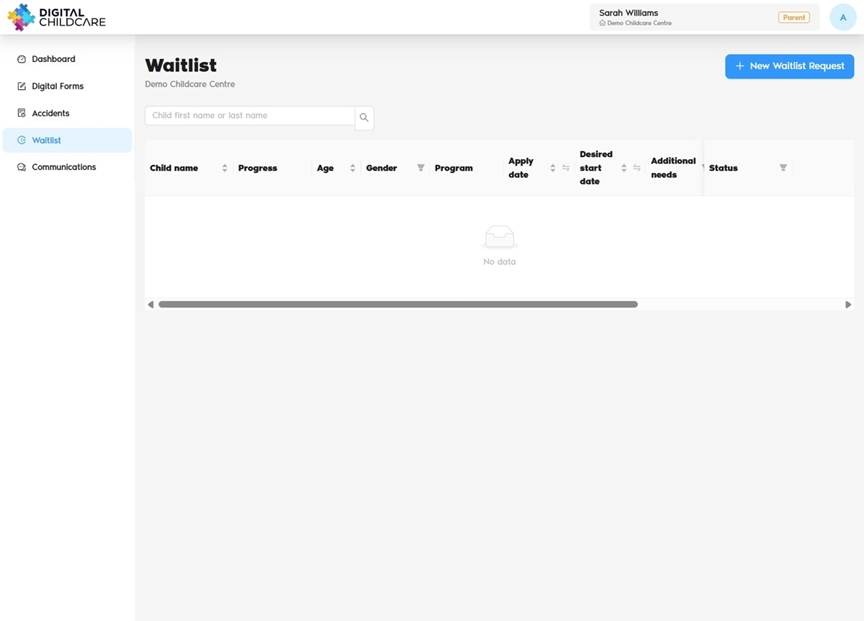
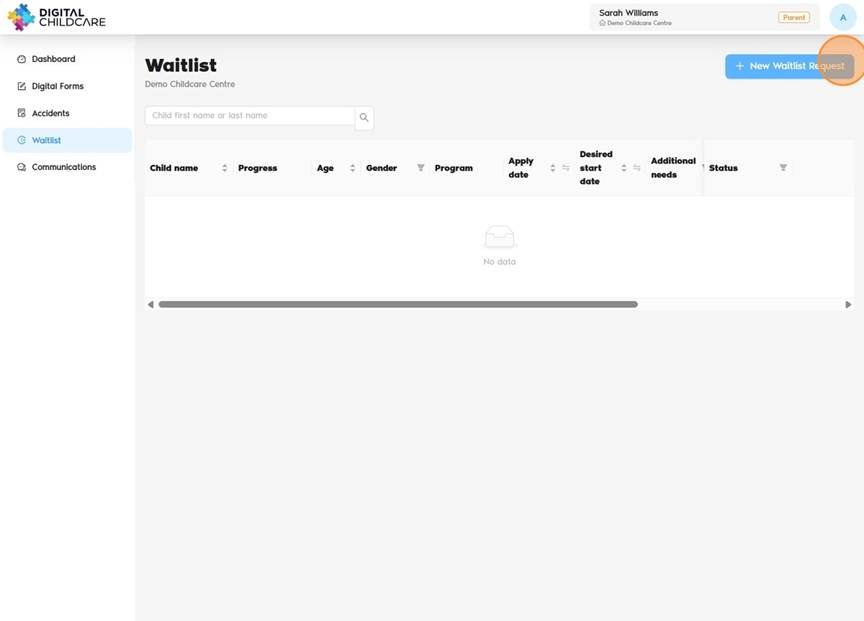
2. Click "New Waitlist Request"
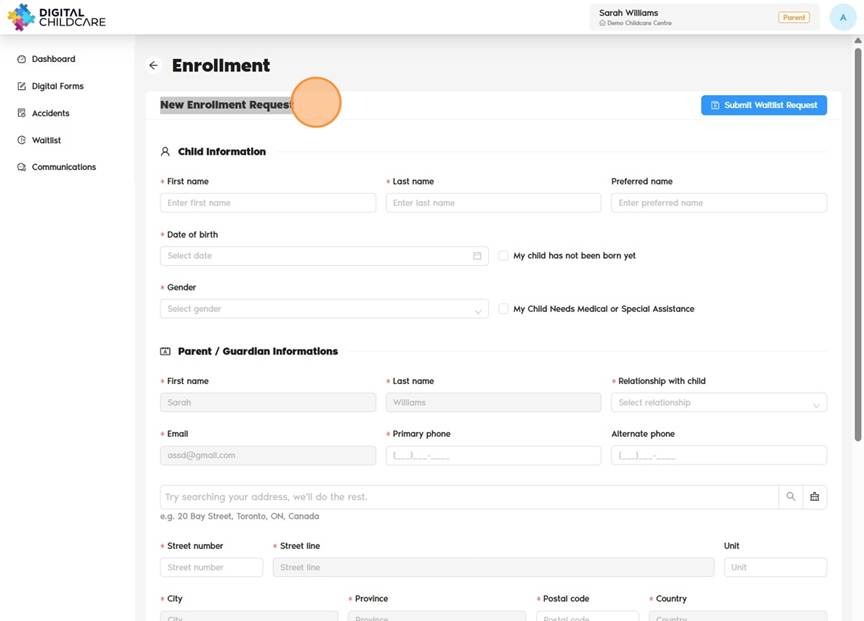
3. Fill Out and Complete the "New Enrollment Request"
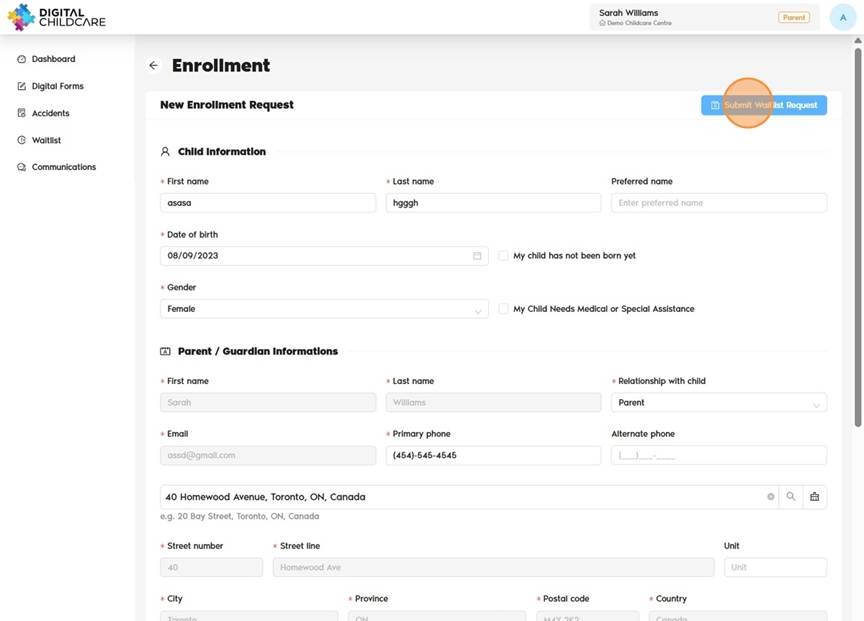
4. Click "Submit Waitlist Request"
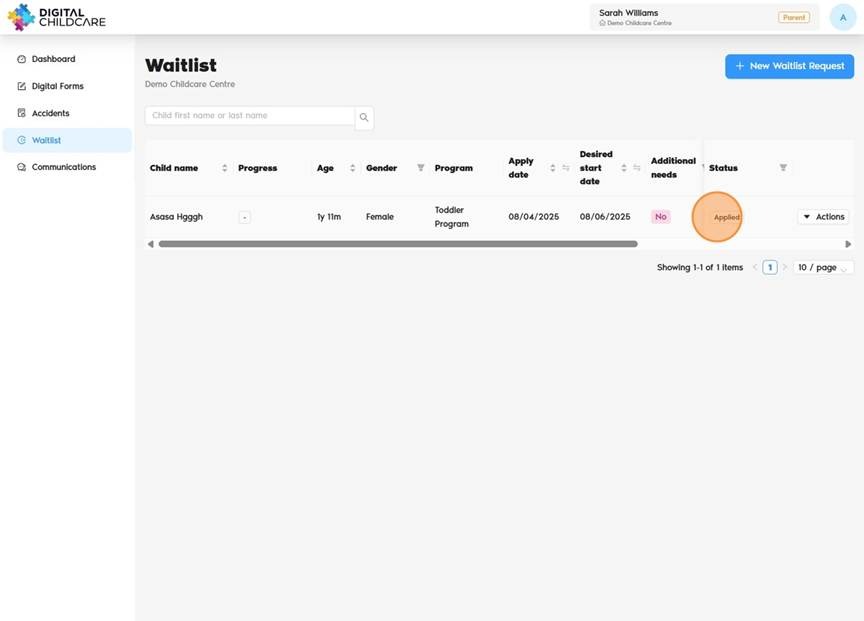
5. The status will appear as "Applied".
Was this article helpful?
That’s Great!
Thank you for your feedback
Sorry! We couldn't be helpful
Thank you for your feedback
Feedback sent
We appreciate your effort and will try to fix the article