Registering for PAD (Pre-Authorized Debit)
This guide provides a straightforward process for setting up Pre-Authorized Debit (PAD) for payments, ensuring convenience and efficiency in managing your transactions. It emphasizes the importance of accurate banking information and the ongoing nature of the PAD agreement, which requires user responsibility for updates. By following these steps, users can streamline their payment methods and avoid potential issues with incorrect banking details.
Navigate to https://app.mydigitalchildcare.com/login
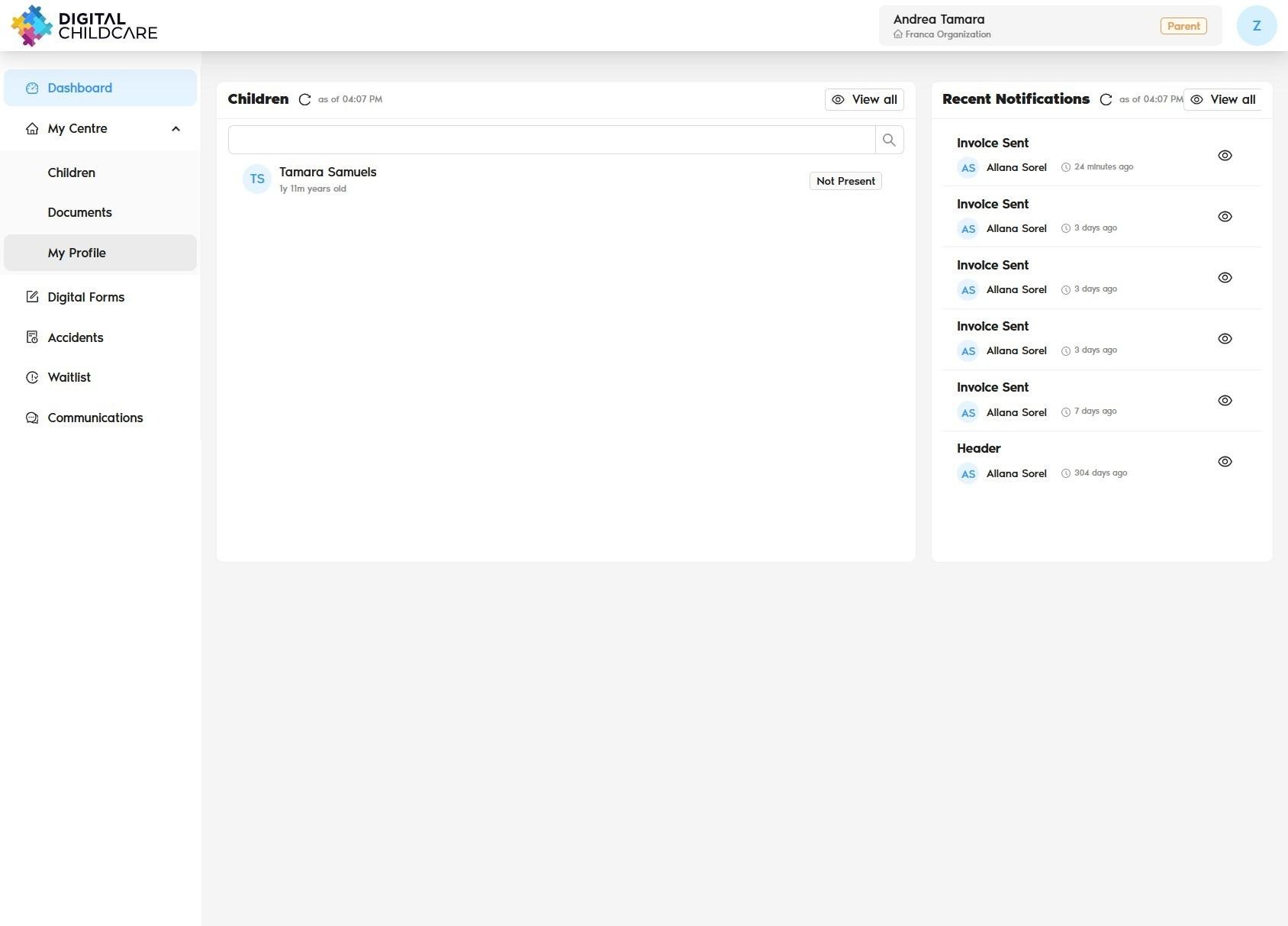
Click "My Profile"
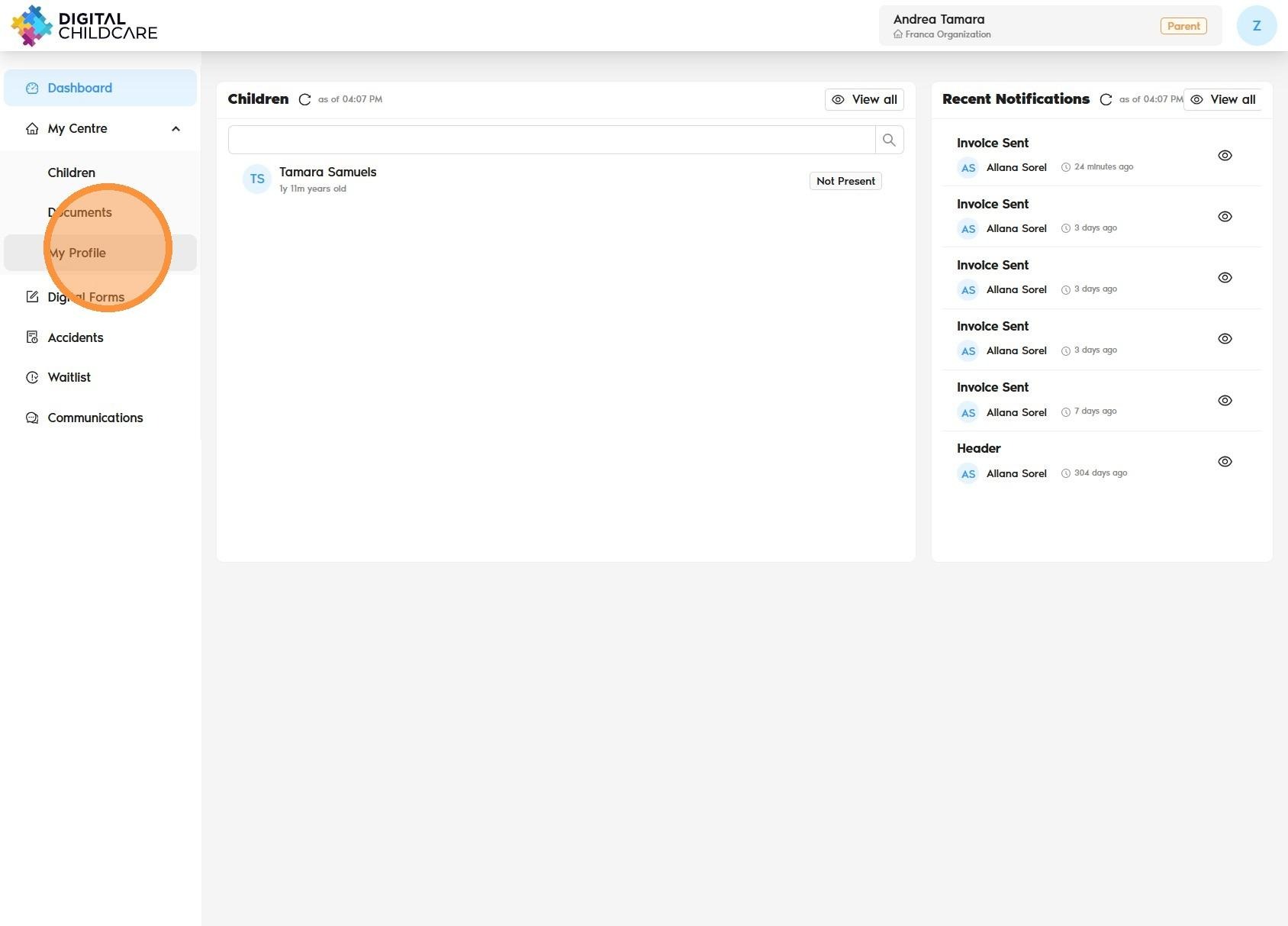
Click “My Profile”, then select “Payment Methods.”
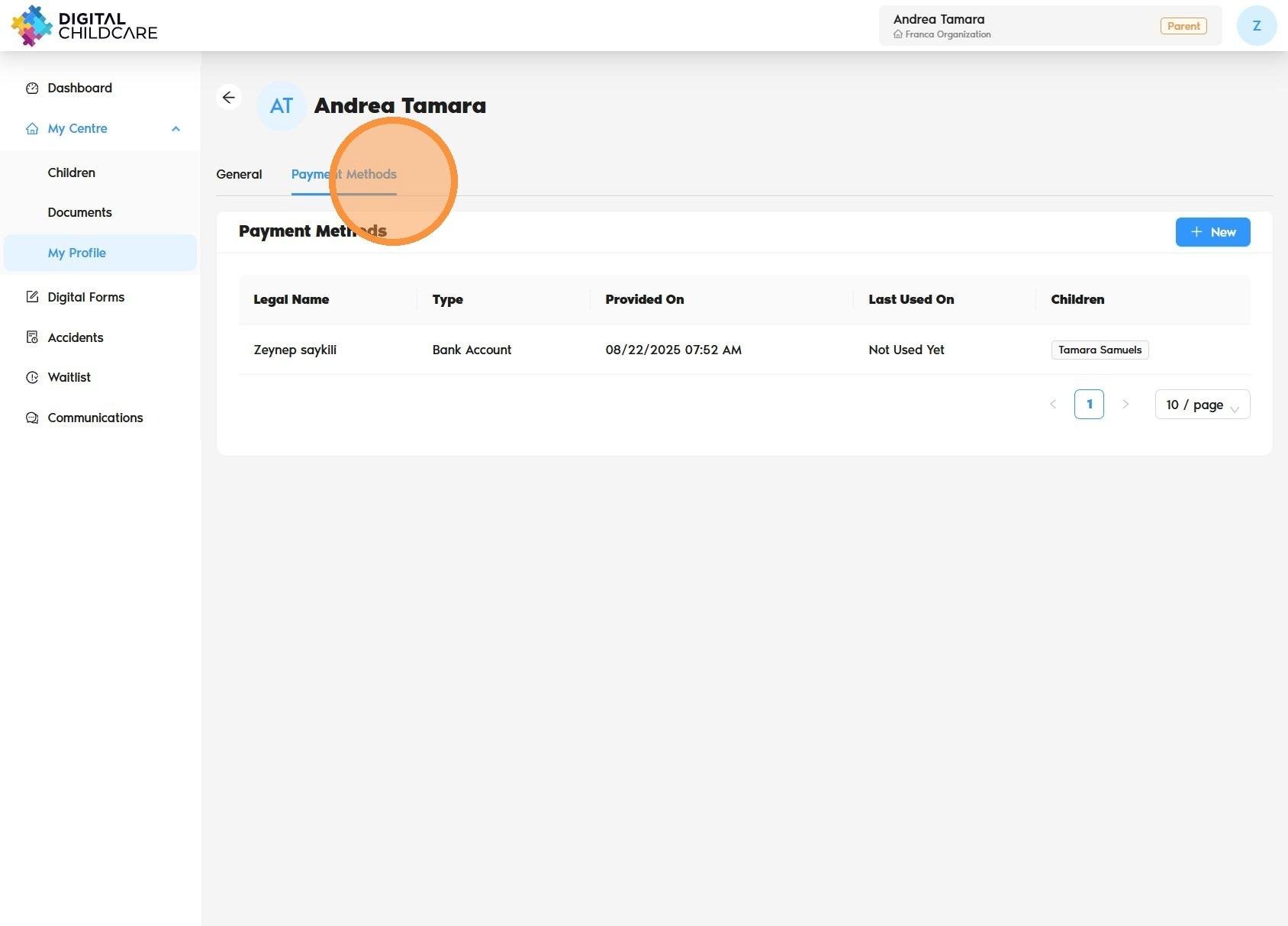
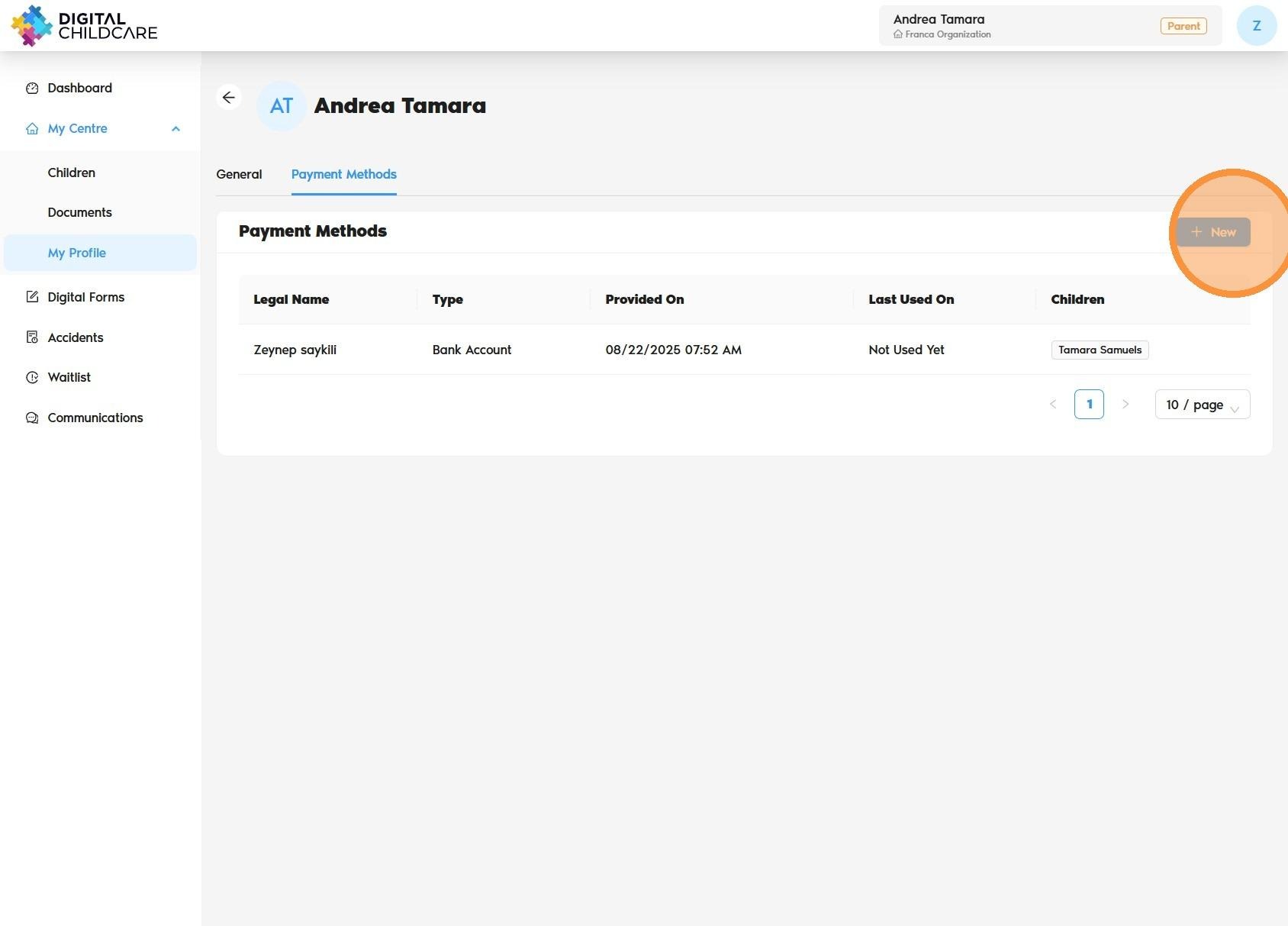
Click on "New"
Enter the required payment information in the fields provided.
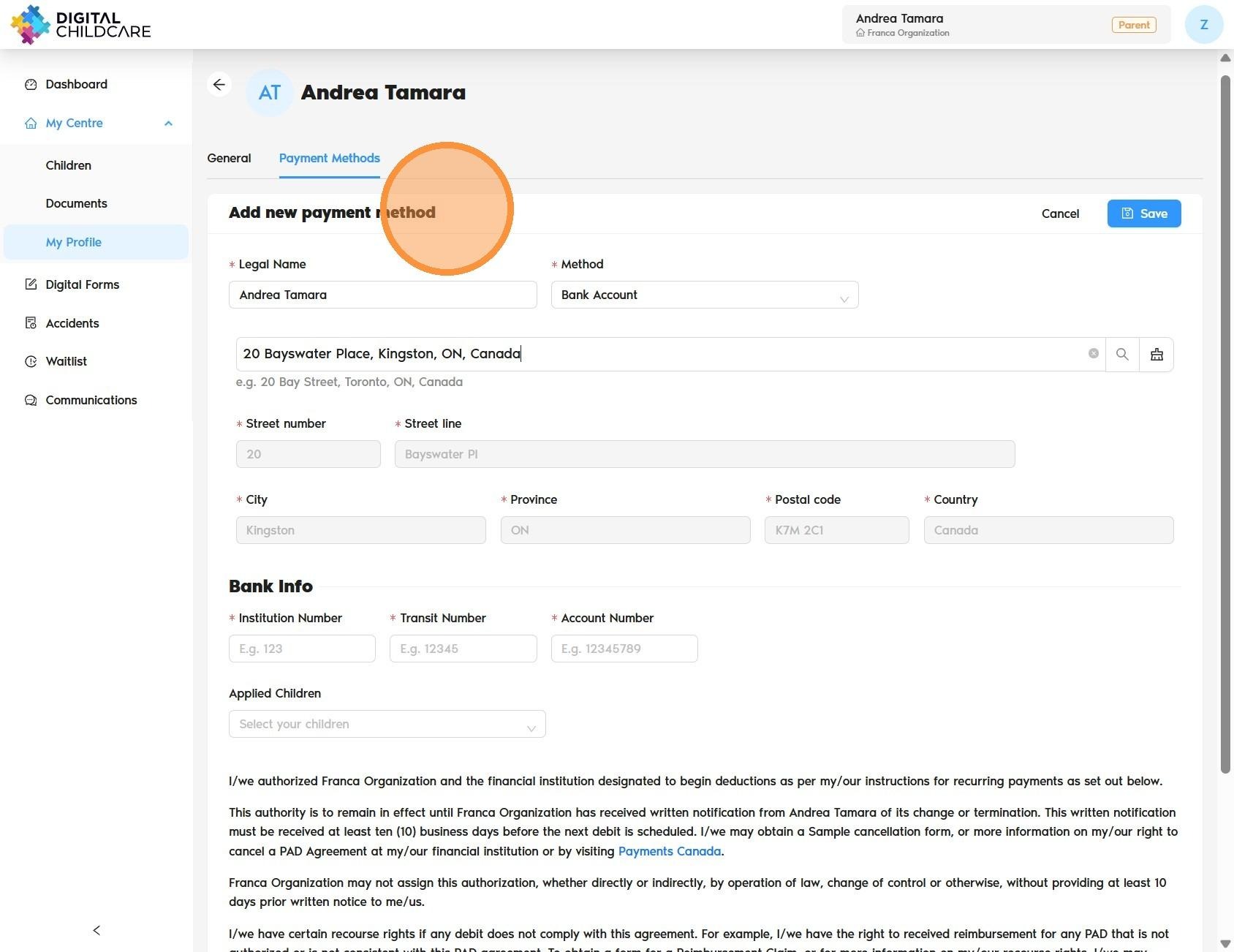
Enter your banking information and sign the PAD agreement to complete the setup.
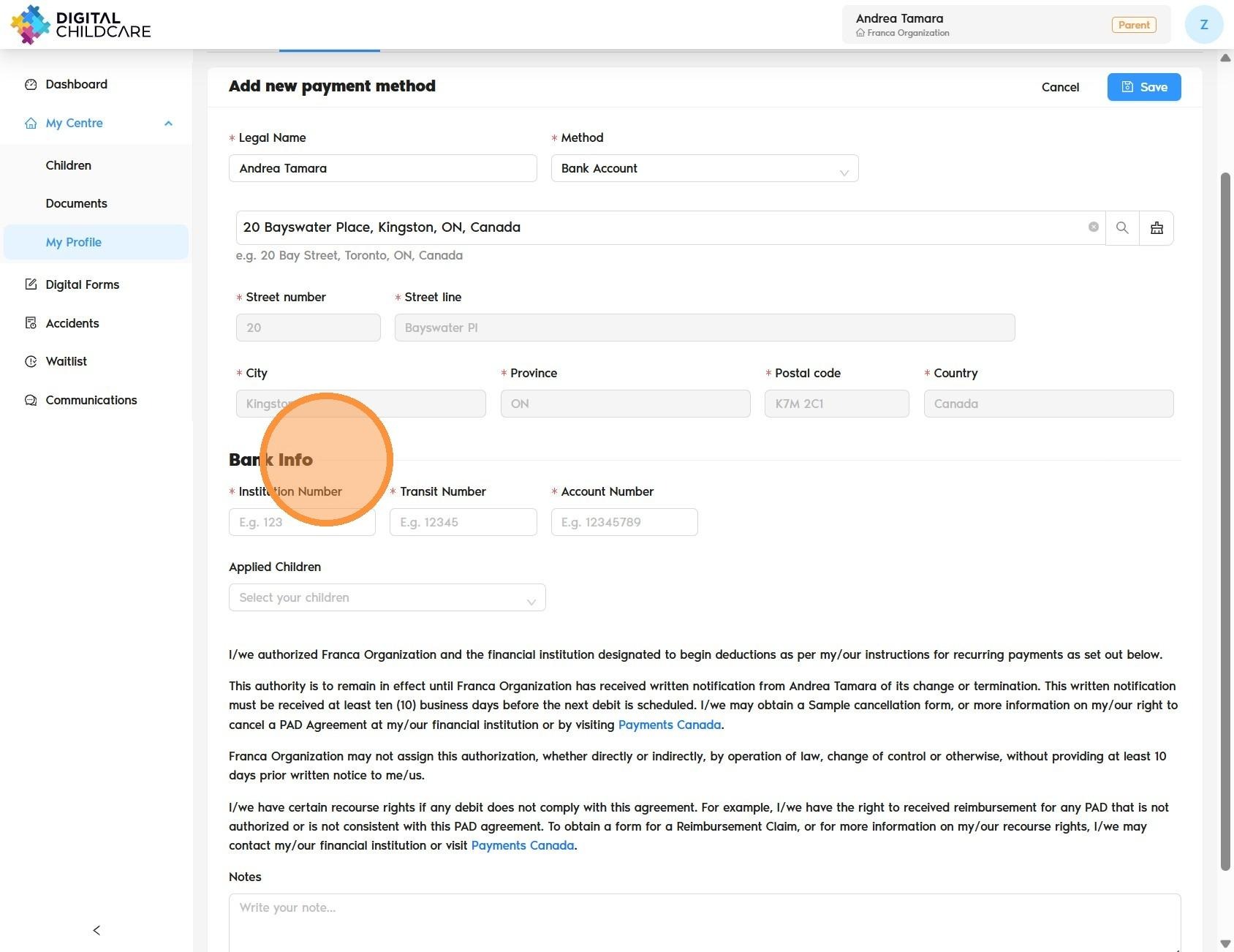
Once complete, click “Save” to finalize your setup.
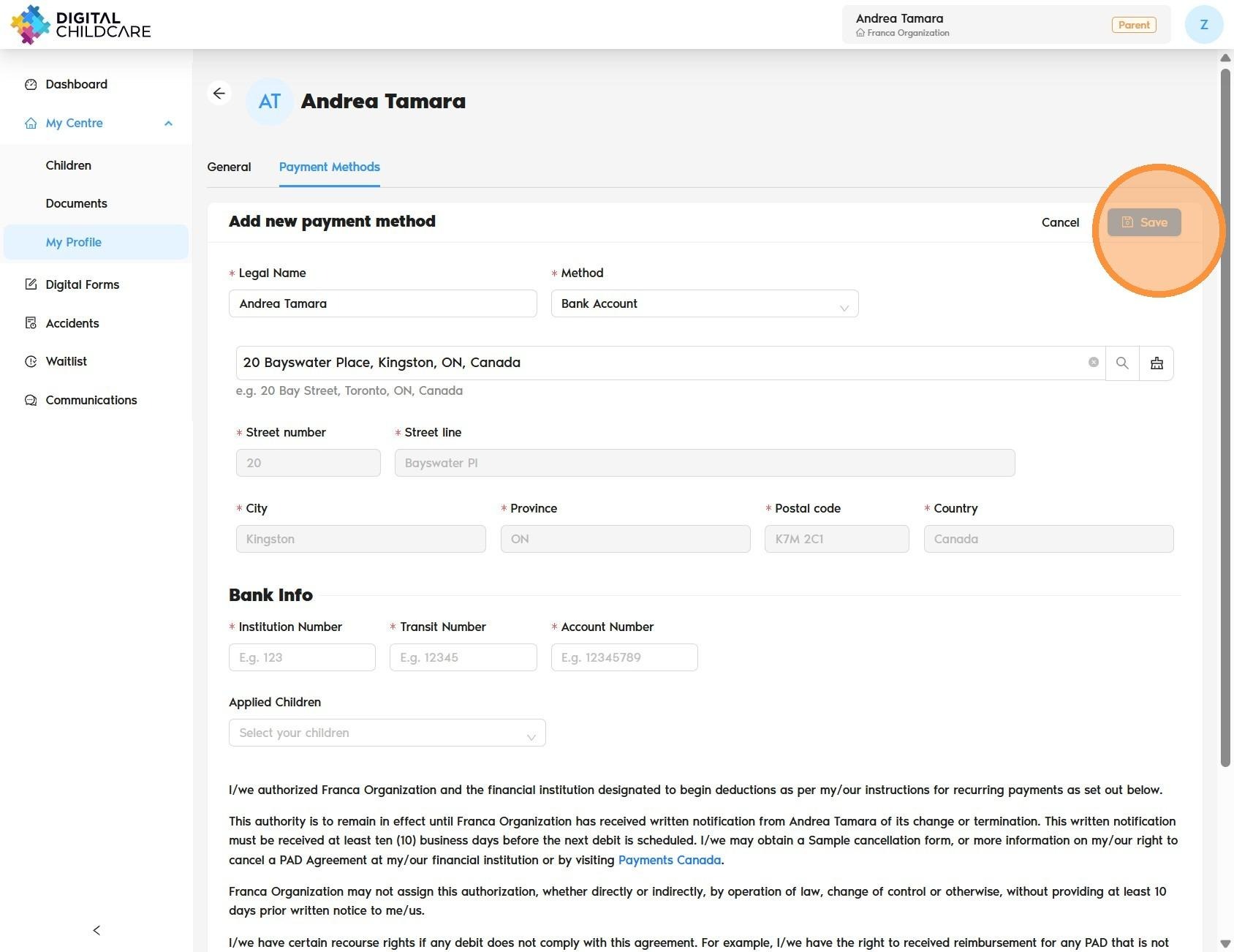
Alert! The PAD agreement will remain in effect until you notify your administrator of your withdrawal. It is your responsibility to ensure your banking information is accurate. If you change your banking details, please repeat the setup process to update your information.
Was this article helpful?
That’s Great!
Thank you for your feedback
Sorry! We couldn't be helpful
Thank you for your feedback
Feedback sent
We appreciate your effort and will try to fix the article