Go to Billing - PAD Management screen
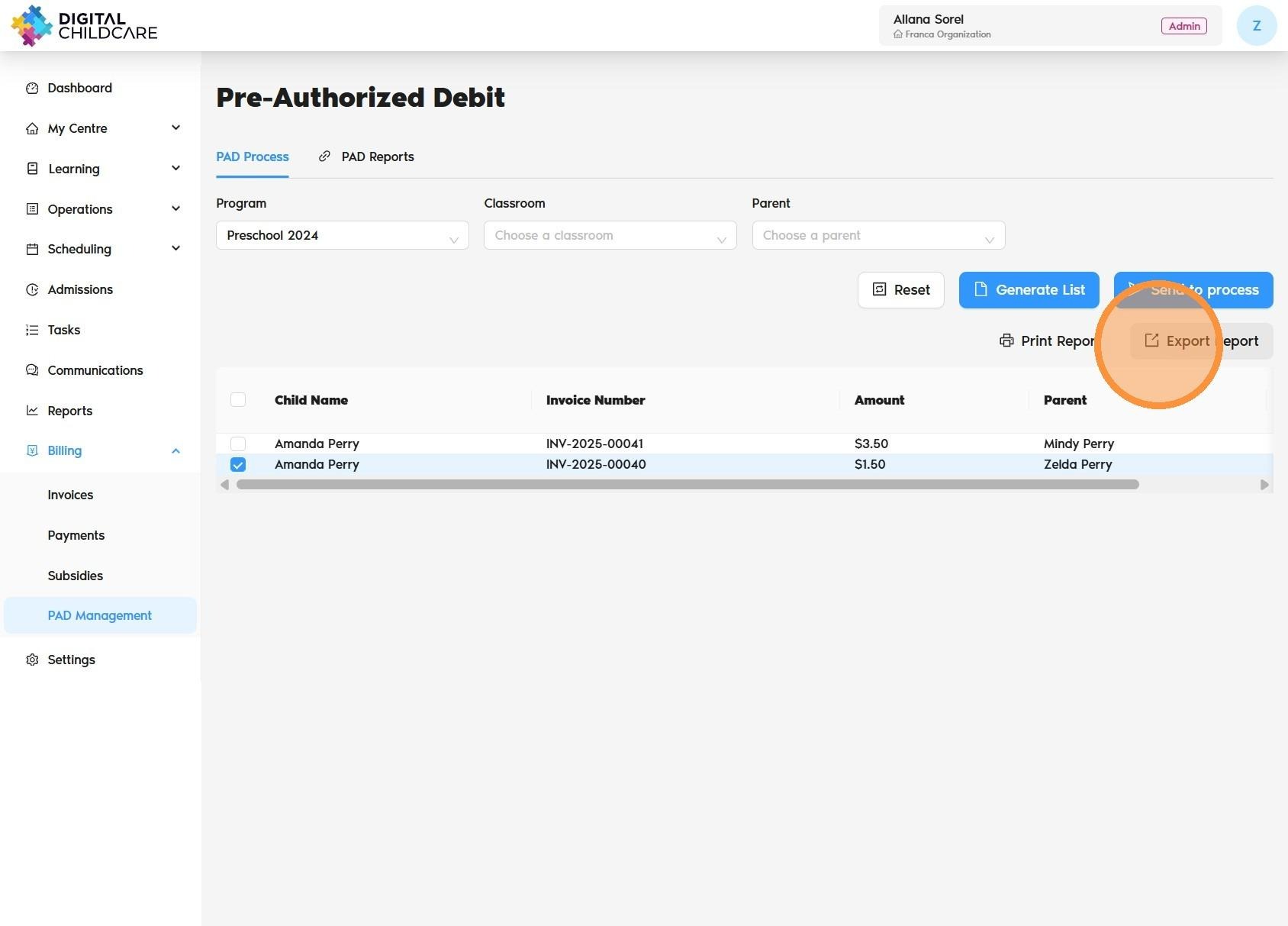
Select the Program, Classroom, or Parent, then click the “Generate List” button.
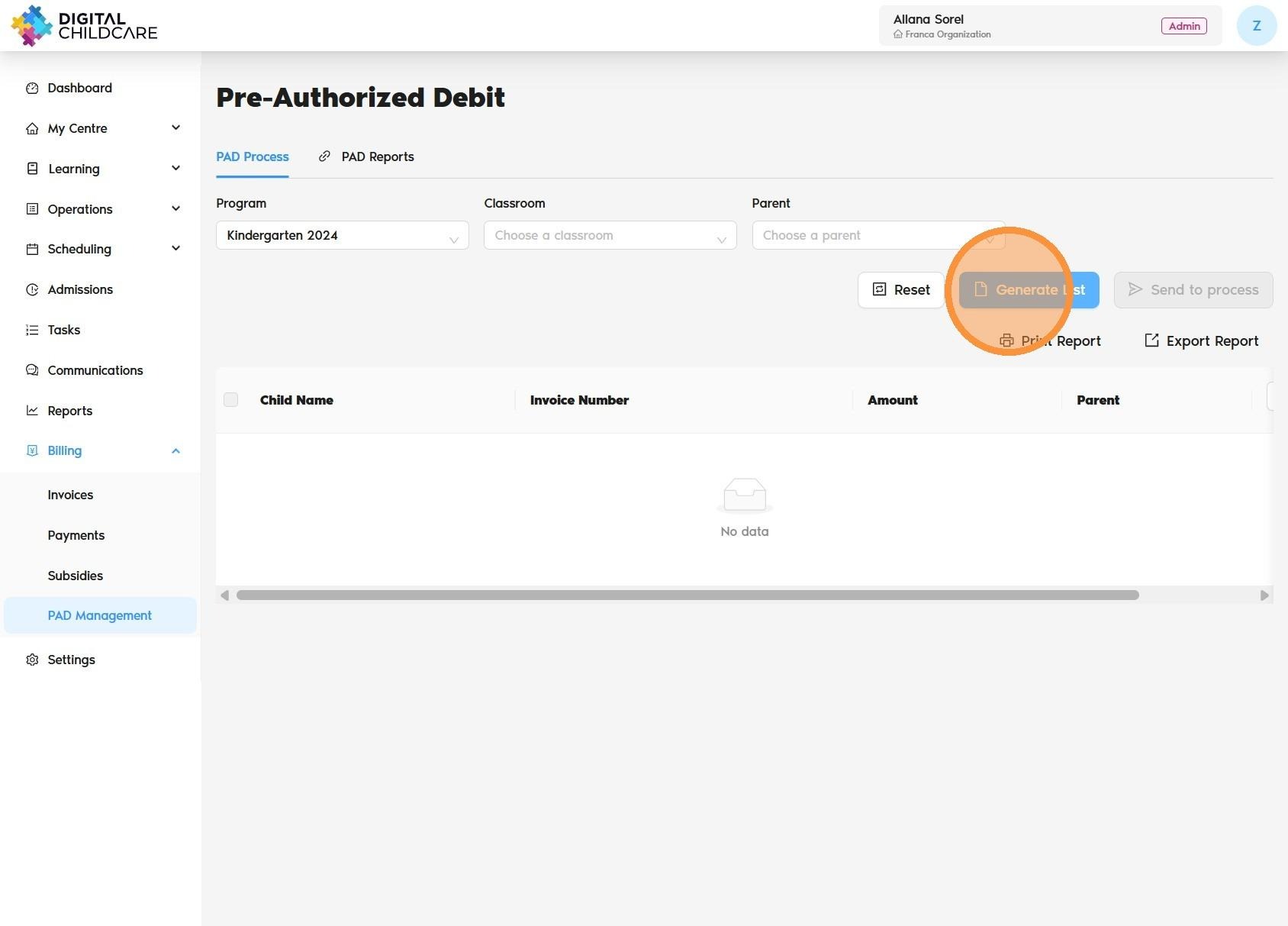
Review the invoices, then select the children whose invoices you would like to process—or select all to process every invoice.
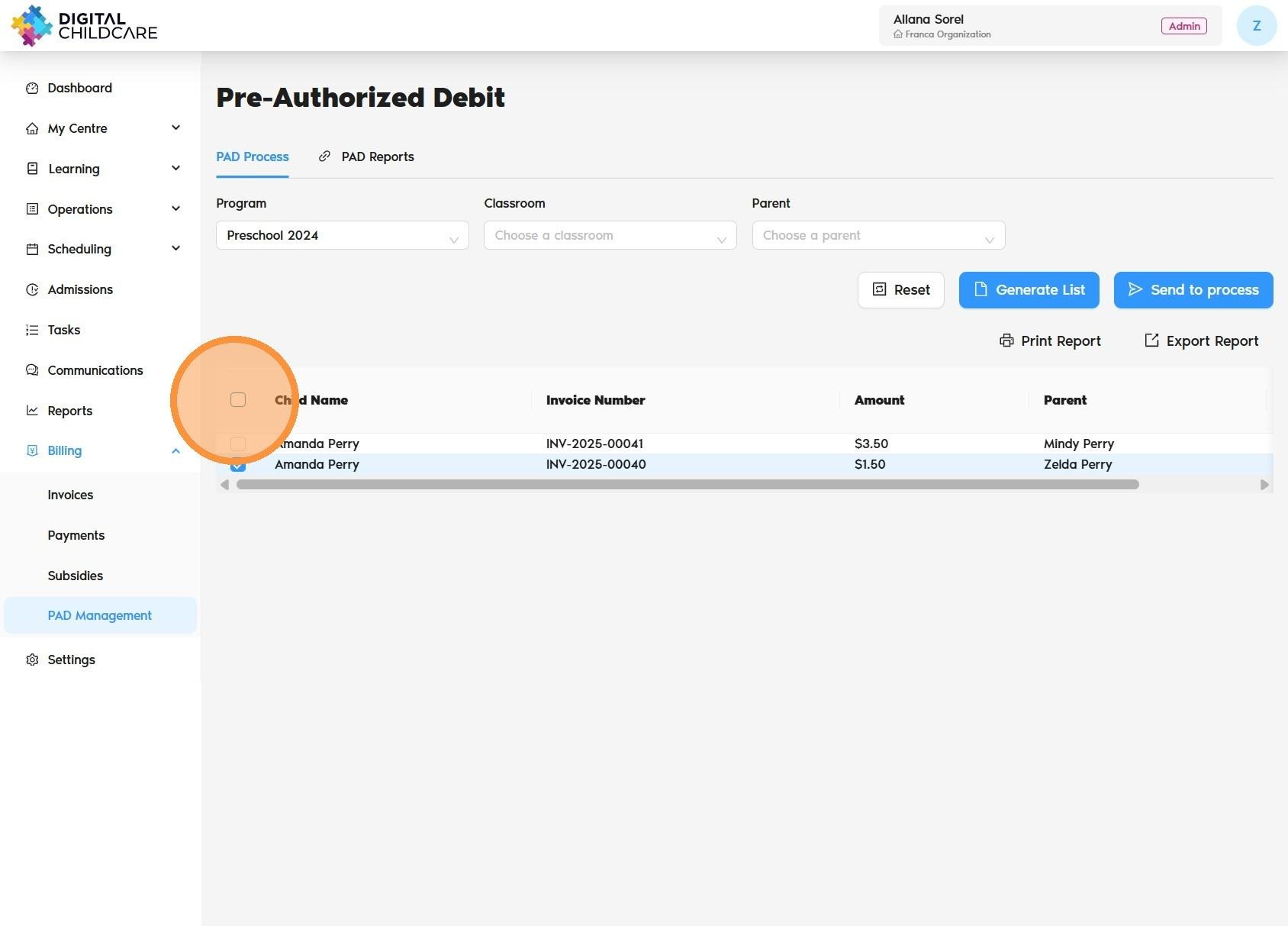
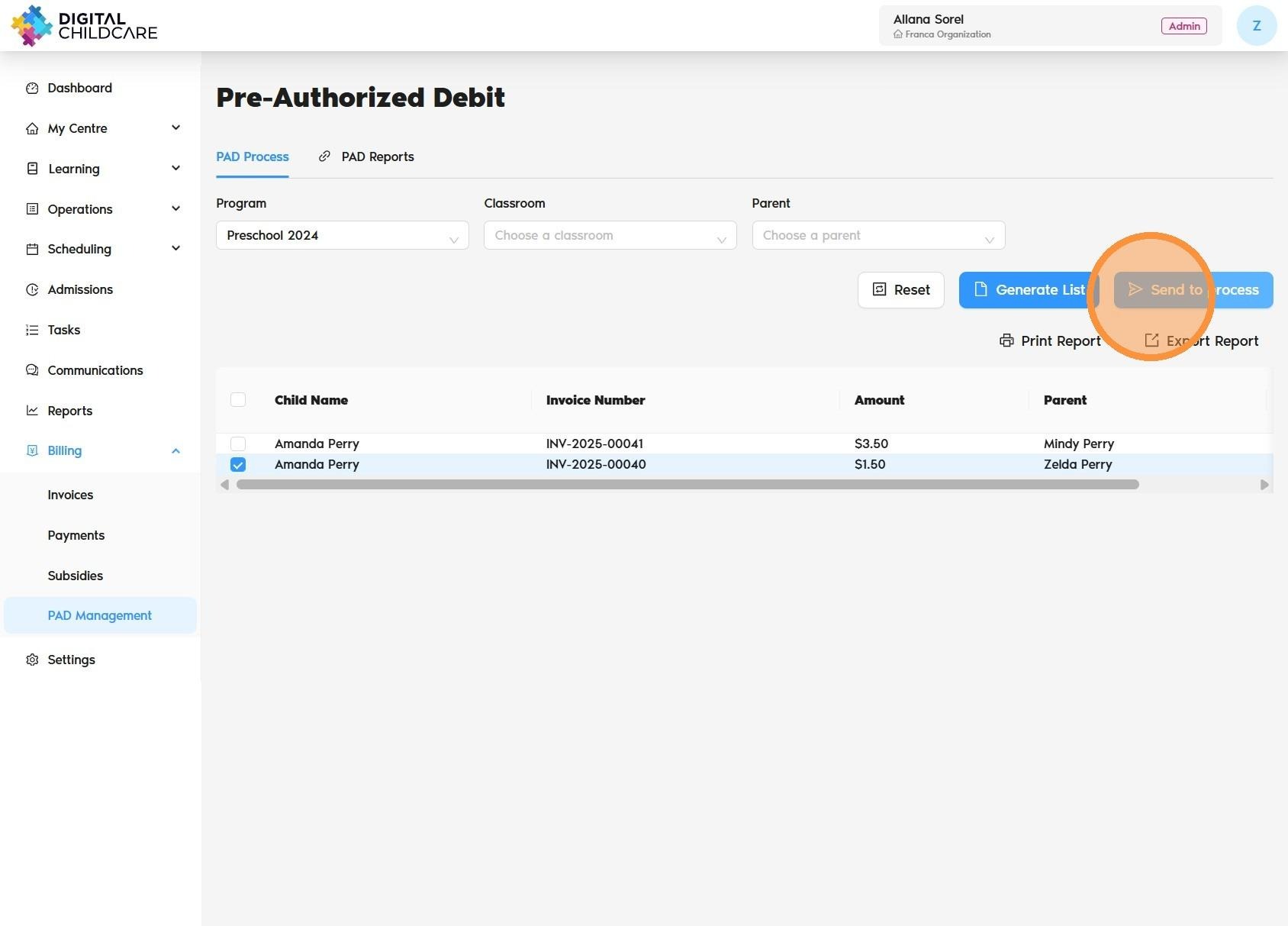
Once selected, click “Send to Process” to finalize the invoice processing.
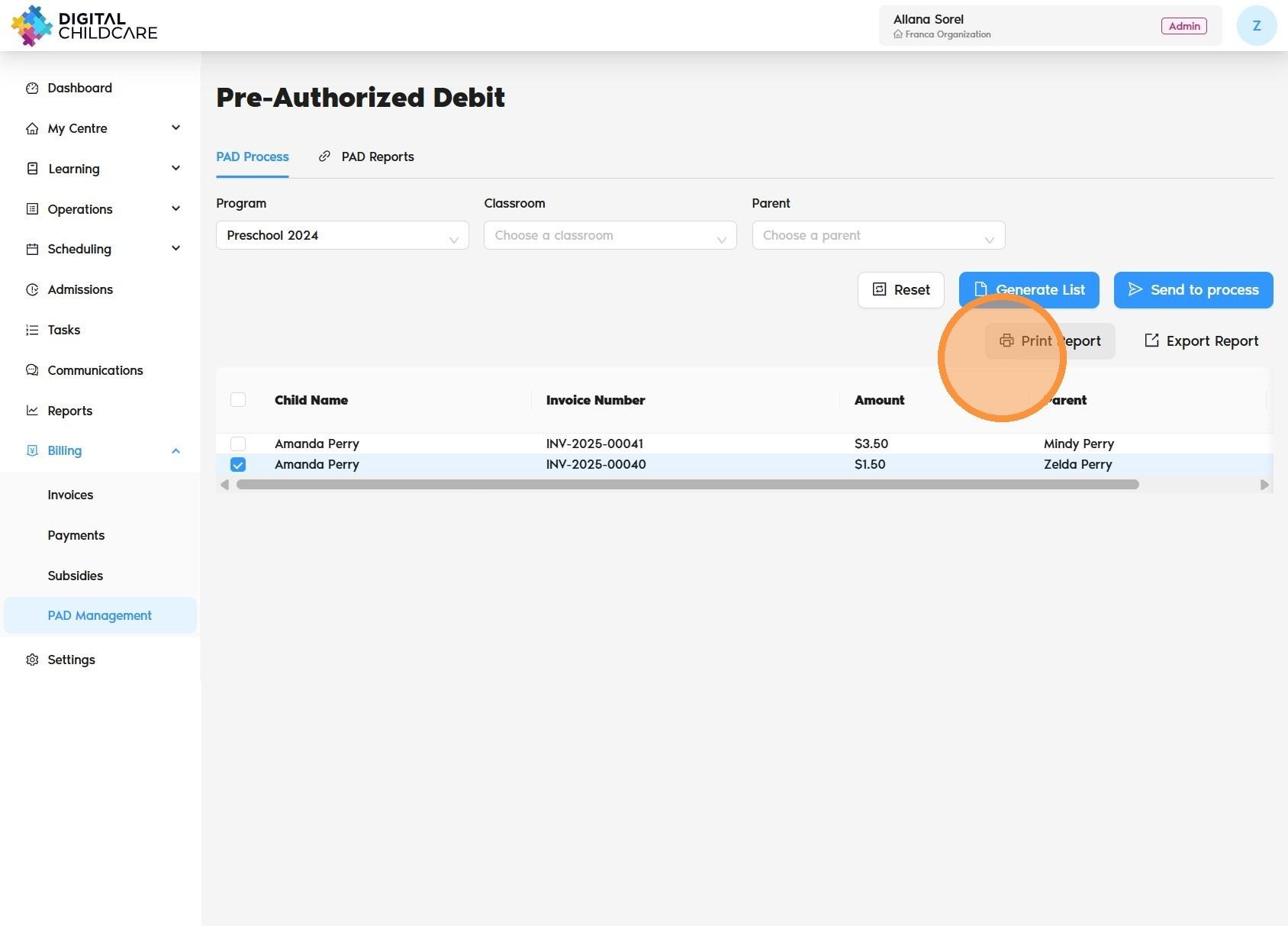
If you would like a copy for your records, click “Print Report”.
If you would like an Excel copy, you can export the report.
Was this article helpful?
That’s Great!
Thank you for your feedback
Sorry! We couldn't be helpful
Thank you for your feedback
Feedback sent
We appreciate your effort and will try to fix the article