An admin can update an incorrect email address entered for a parent.
To proceed, follow these steps:
1. Navigate to My Centre → Families page: https://app.mydigitalchildcare.com/my-centre/guardians
2. Click on the name of the parent whose email address you wish to update.
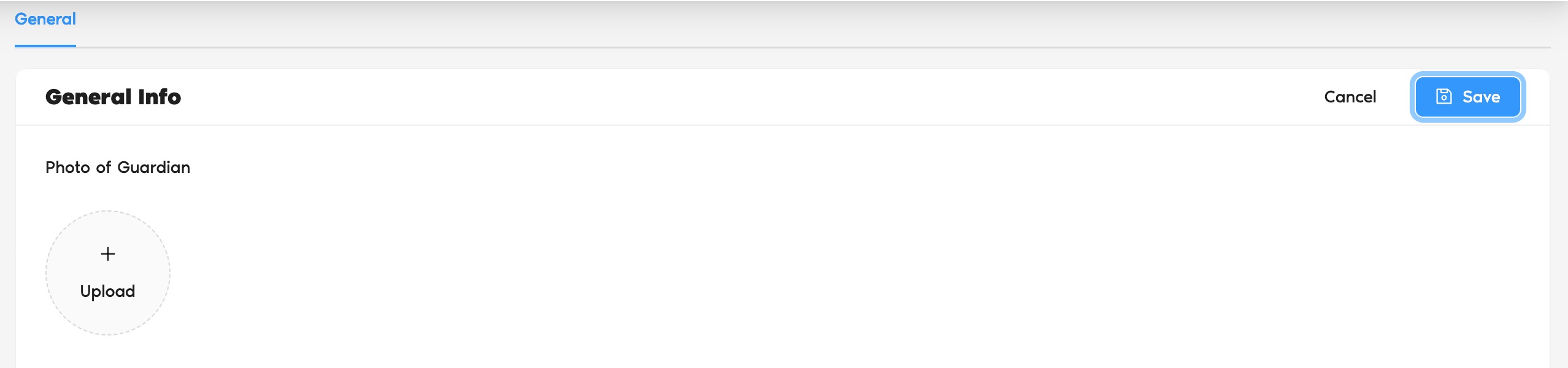
3. Click the Edit button to enter edit mode.
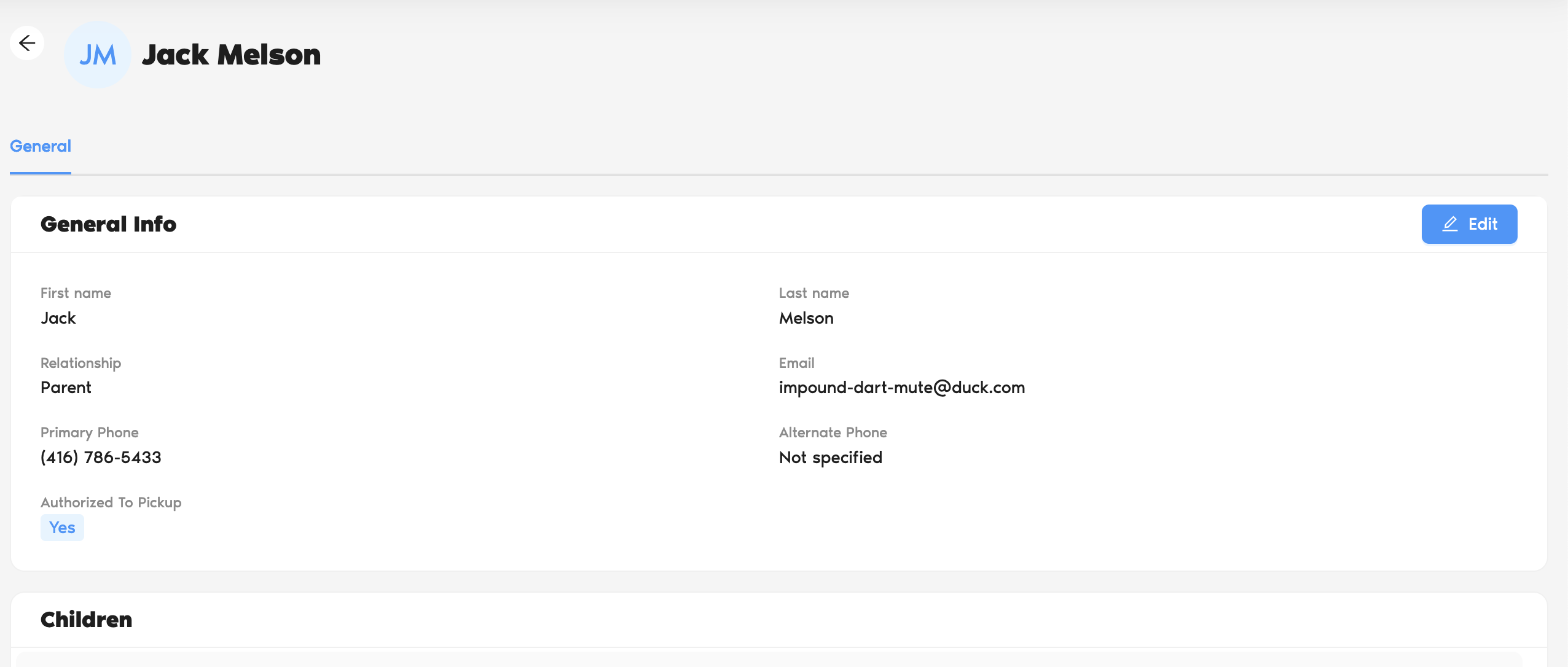
4. Enter the new email address in the General section.
5. Update any required information such as address, phone number, etc.
6. Click Save to update the information.
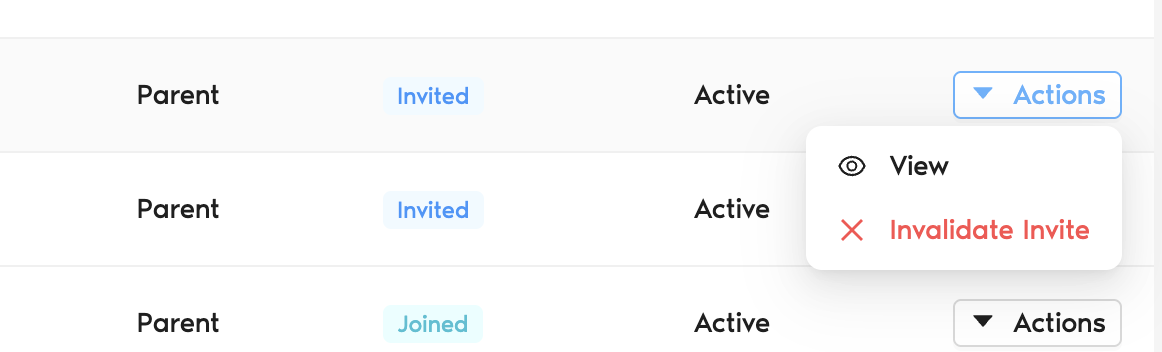
7. If the family was previously invited:
Go to Actions → Invalidate Invite to revoke the old invitation.
Then select Actions → Send Invite to send a new invitation to the updated email address.
8. If the family has not been invited before:
Simply click Actions → Send Invite to send the invitation.
Was this article helpful?
That’s Great!
Thank you for your feedback
Sorry! We couldn't be helpful
Thank you for your feedback
Feedback sent
We appreciate your effort and will try to fix the article