To send a sign-up link to parents who were recently added or previously invited but have not yet joined, please follow the steps below:
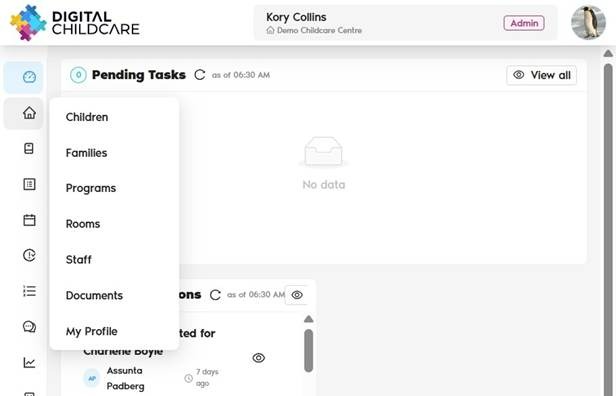
1. Navigate to https://app.mydigitalchildcare.com/dashboard
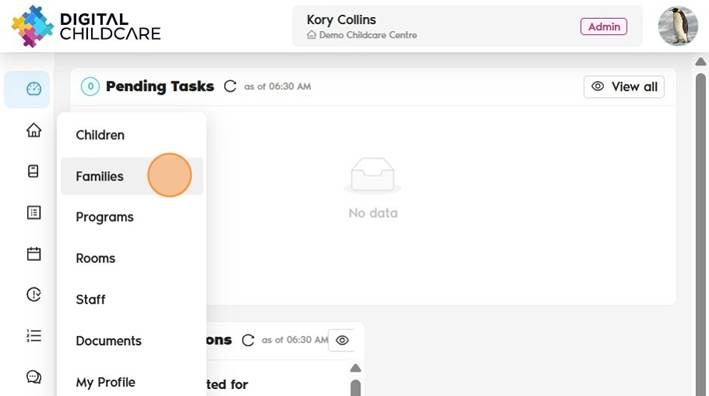
2. Click on "Families"
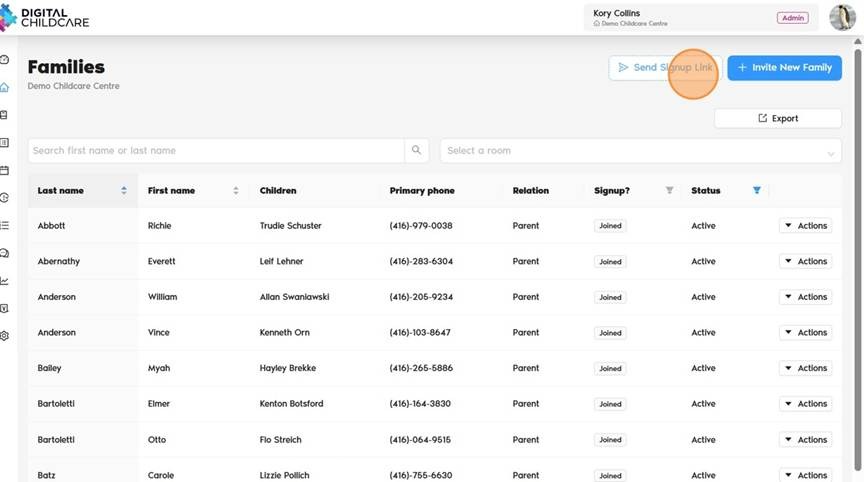
3. Click "Send Sign-Up Link". This will send a mass invitation to all families who have not yet joined the platform.
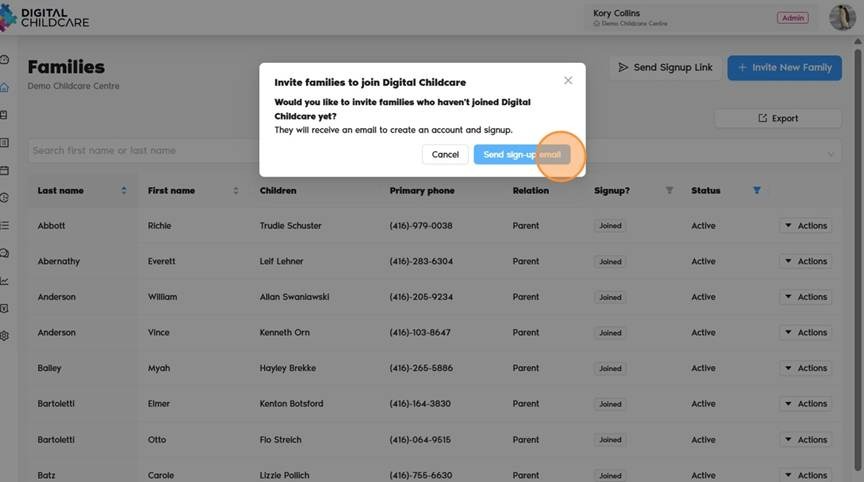
4. Click "Send sign-up email"
Was this article helpful?
That’s Great!
Thank you for your feedback
Sorry! We couldn't be helpful
Thank you for your feedback
Feedback sent
We appreciate your effort and will try to fix the article