Create and Start a Safe Arrival Procedure
This guide provides a step-by-step process for implementing a Safe Arrival Procedure, ensuring the safety and well-being of children in your care. By following these instructions, you can efficiently manage absences and maintain communication with parents, enhancing trust and accountability. It streamlines the process of tracking children's attendance and ensures that appropriate actions are taken when a child is marked absent. Viewing this guide will help you create a safer environment for children and improve operational efficiency.
1. Navigate to https://app.mydigitalchildcare.com/dashboard
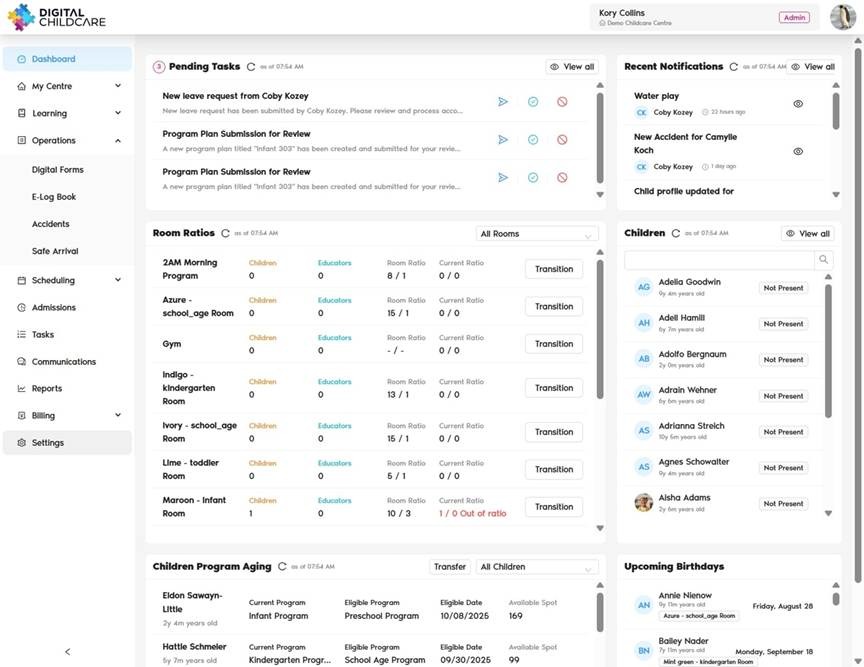
2. Click on "Settings"
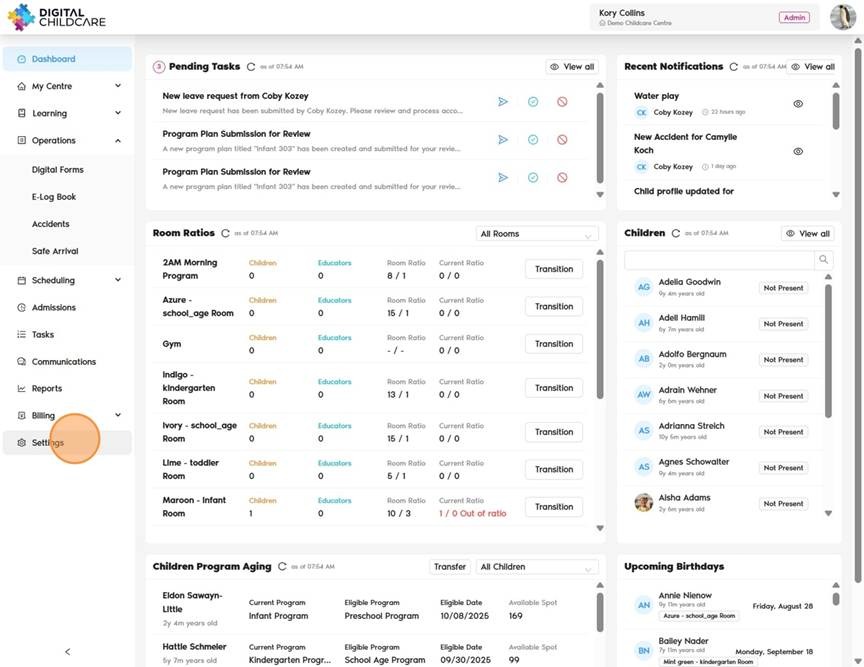
3. Click on "Safe Arrival" to confirm that you have a safe arrival procedure in place. If you do not have one, you must create it before proceeding.
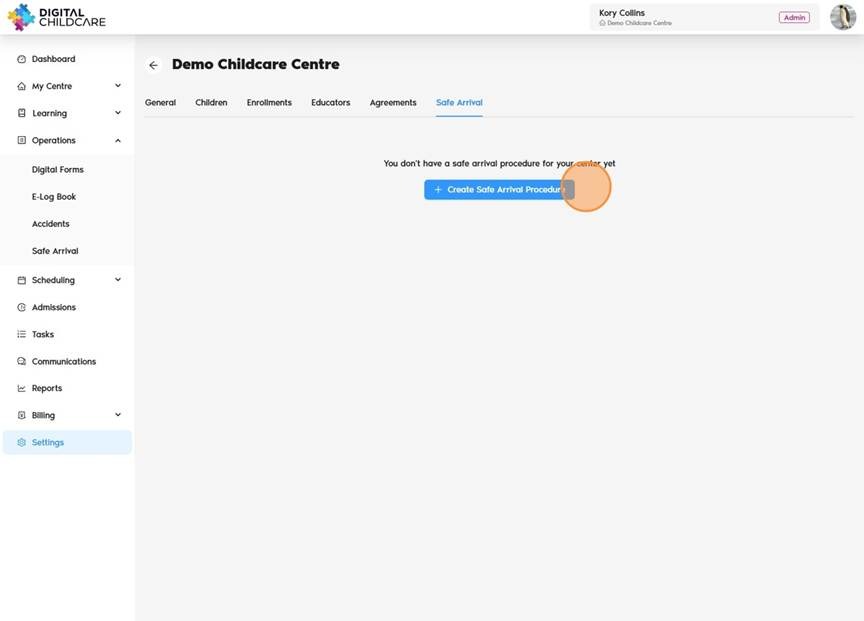
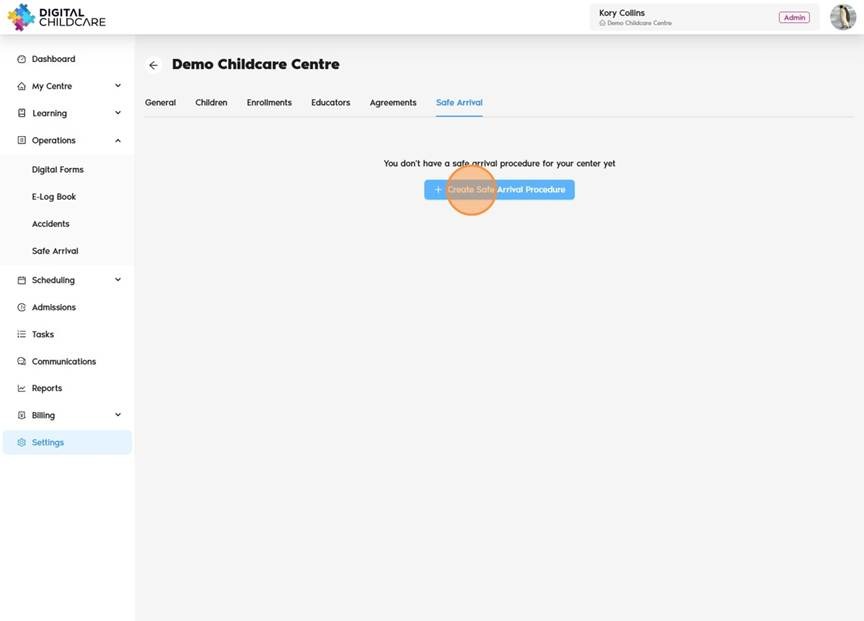
4. Click "Create Safe Arrival Procedure"
5. Click "On" to enable the feature.
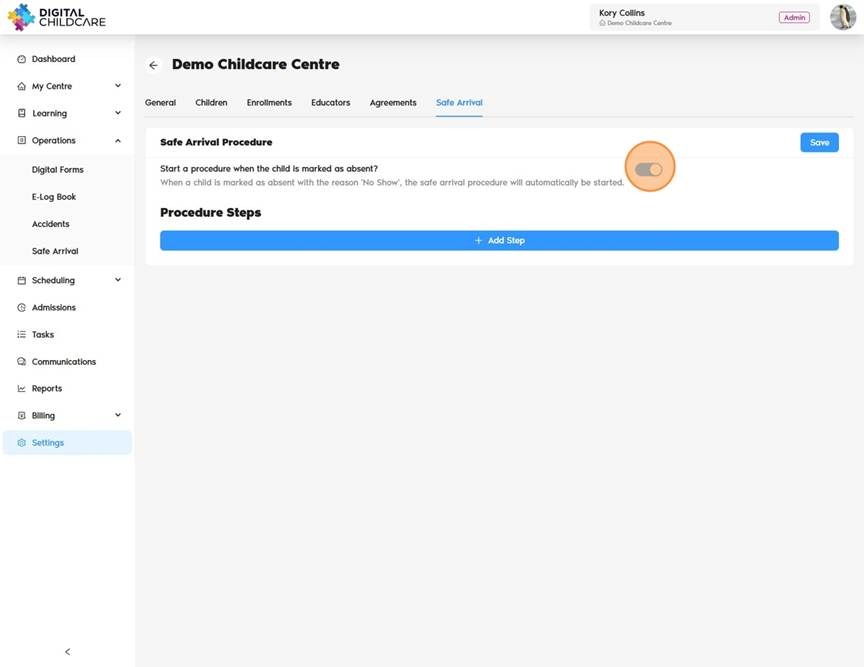
6. Toggle "Yes" for "Start a procedure when the child is marked as absent?" Once enabled, view the message that says: "When a child is marked as absent on mobile or desktop with the reason 'No Show', the safe arrival procedure will automatically be started."
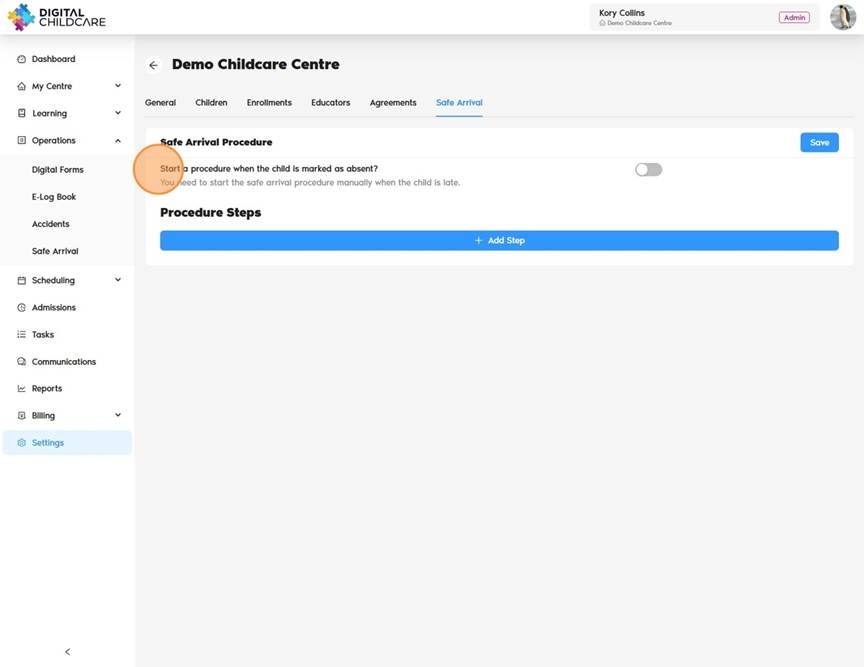
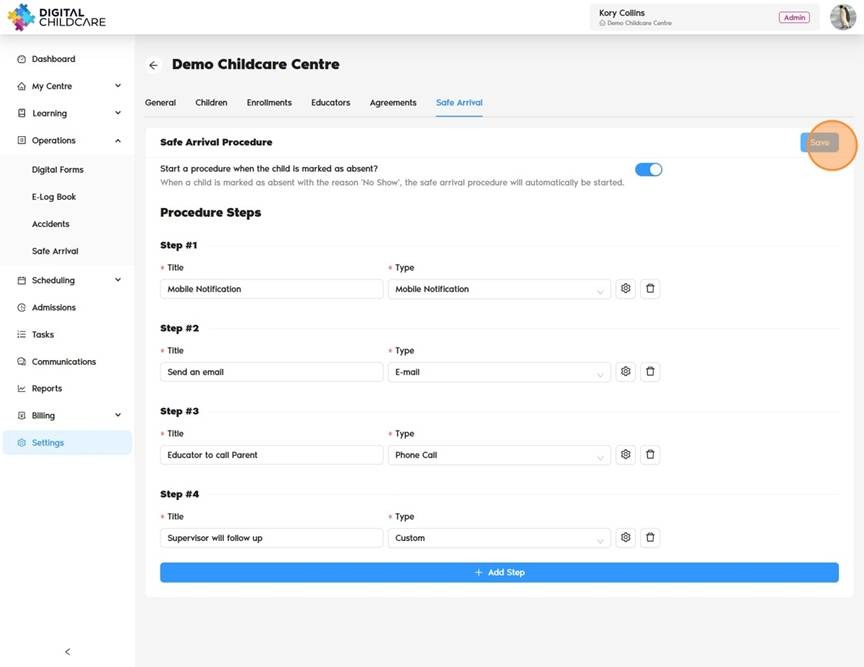
7. Click "Add Step" to begin. Once complete, click "Save" to confirm your changes.
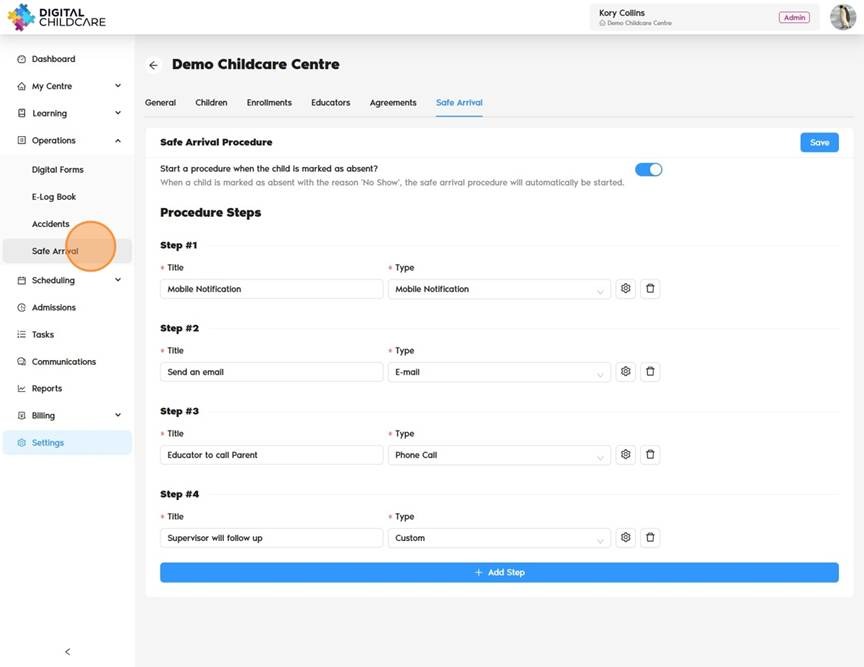
8. Select "Safe Arrival" from the menu on the left.
9. Click "All Rooms" to view all available rooms, or select a specific room to view only its details.
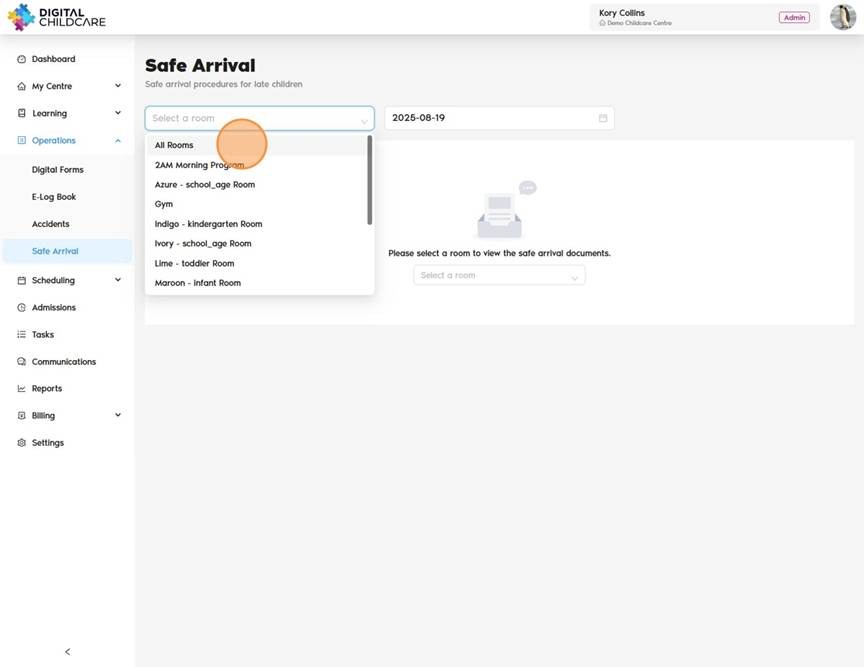
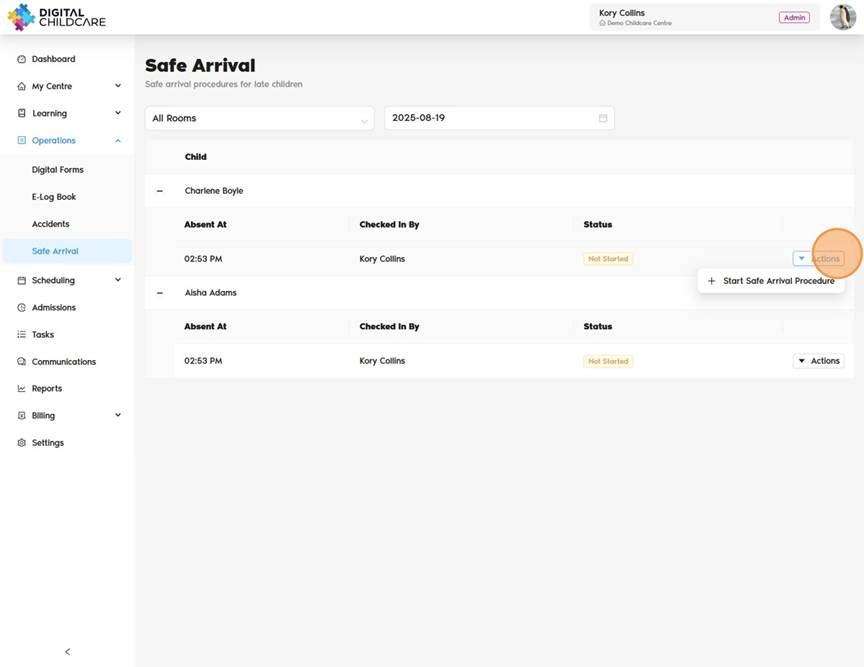
10. Children marked as "No Show" will appear on the screen. Click "Actions" to proceed. Then Click "Start Safe Arrival Procedure"
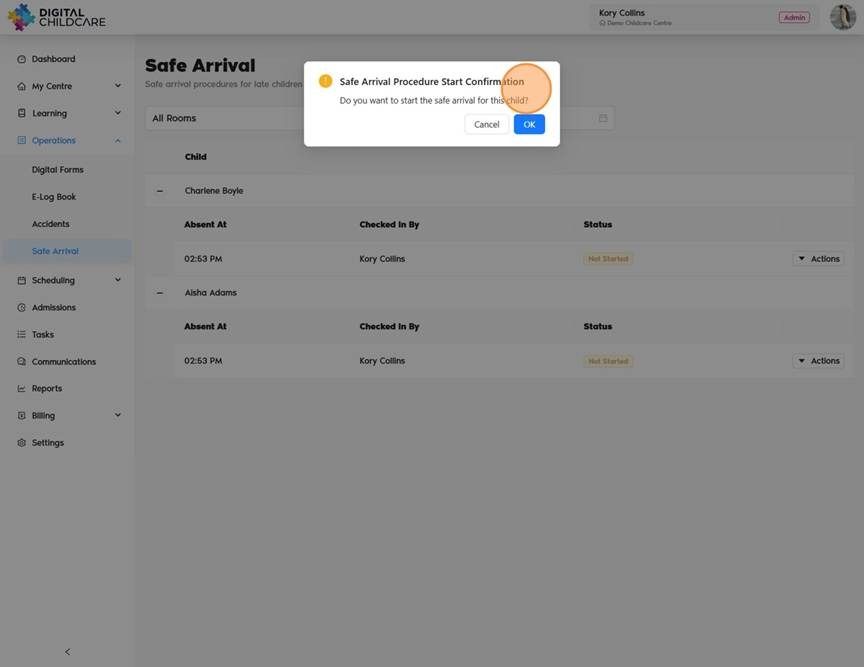
11. "Safe Arrival Procedure Start Confirmation. Do you want to start the safe arrival for this child?" once done, click "OK"
12. Go through each step on the safe arrival
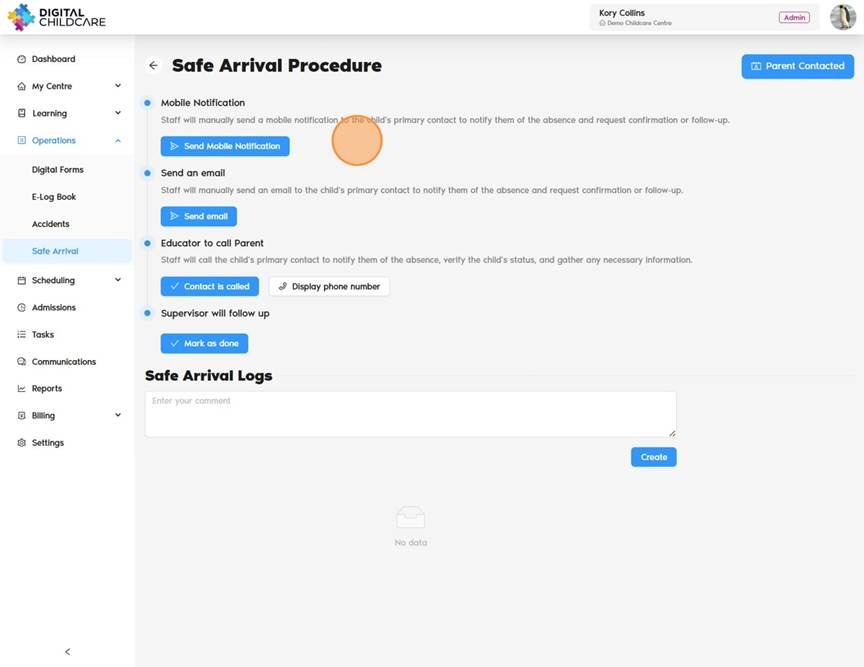
13. Once complete click on "Parent Contacted" to end safe arrival procedure
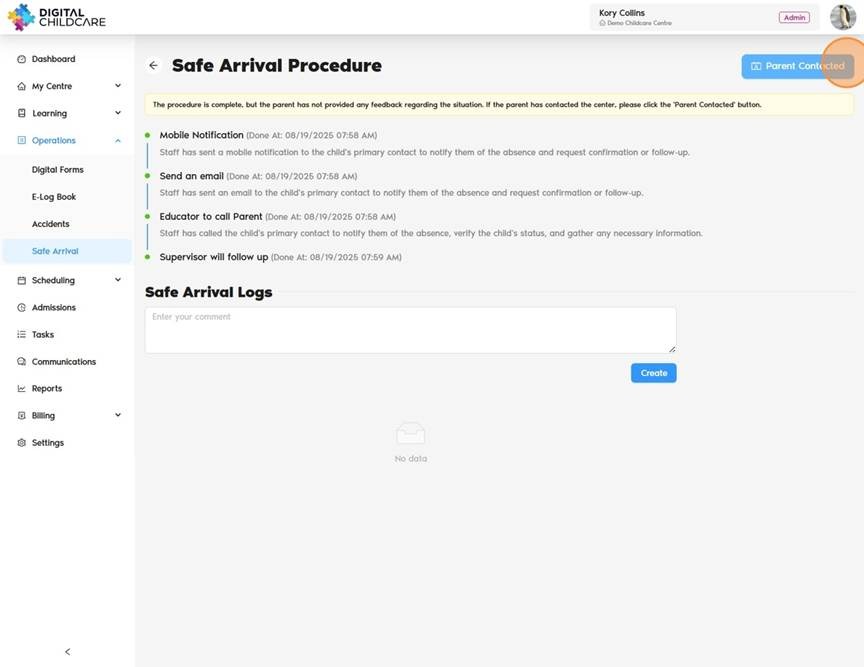
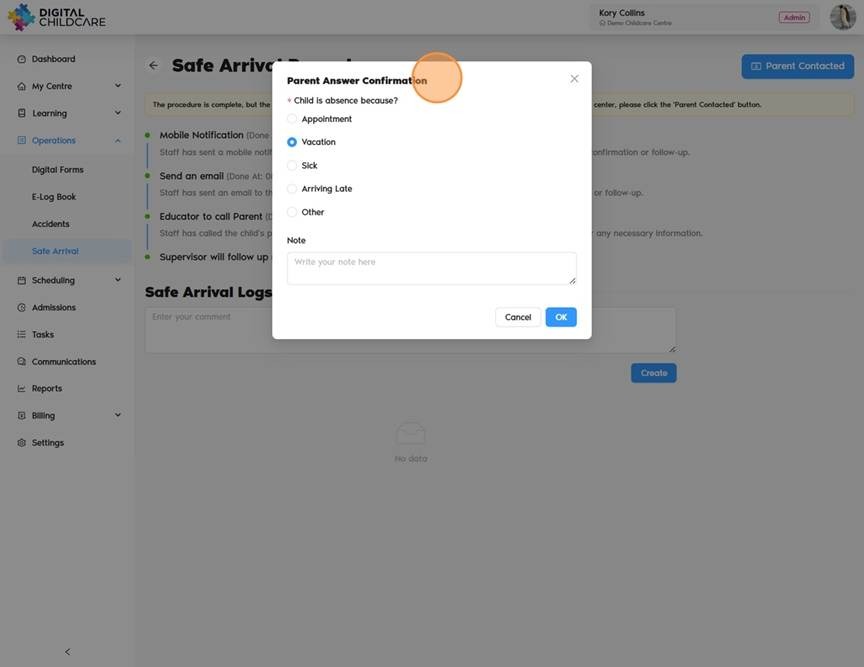
14. Click to add Parent Absence response. Once done, Click "OK"
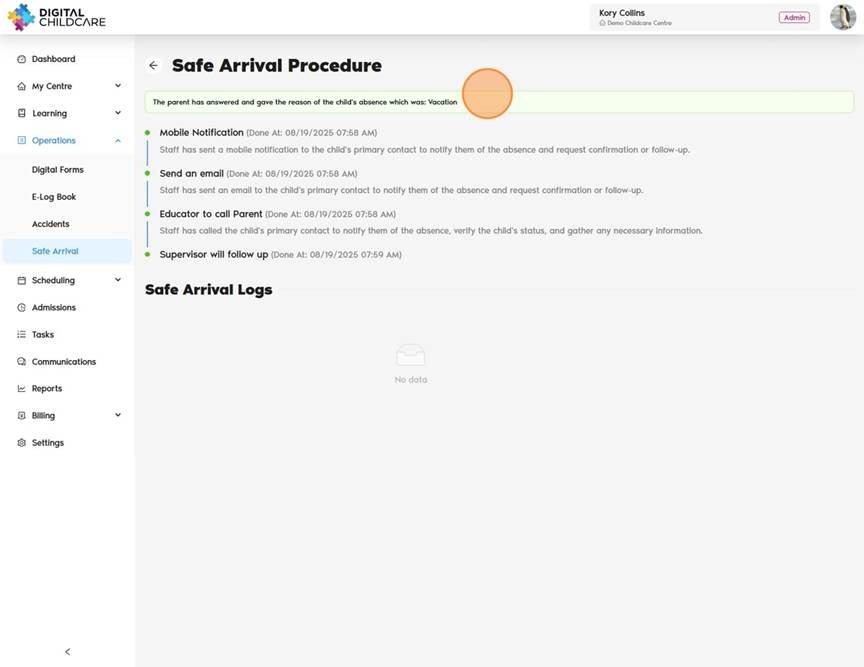
15. The status will change to:
“The parent has answered and gave the reason for the child's absence, which was ___.”
Was this article helpful?
That’s Great!
Thank you for your feedback
Sorry! We couldn't be helpful
Thank you for your feedback
Feedback sent
We appreciate your effort and will try to fix the article